
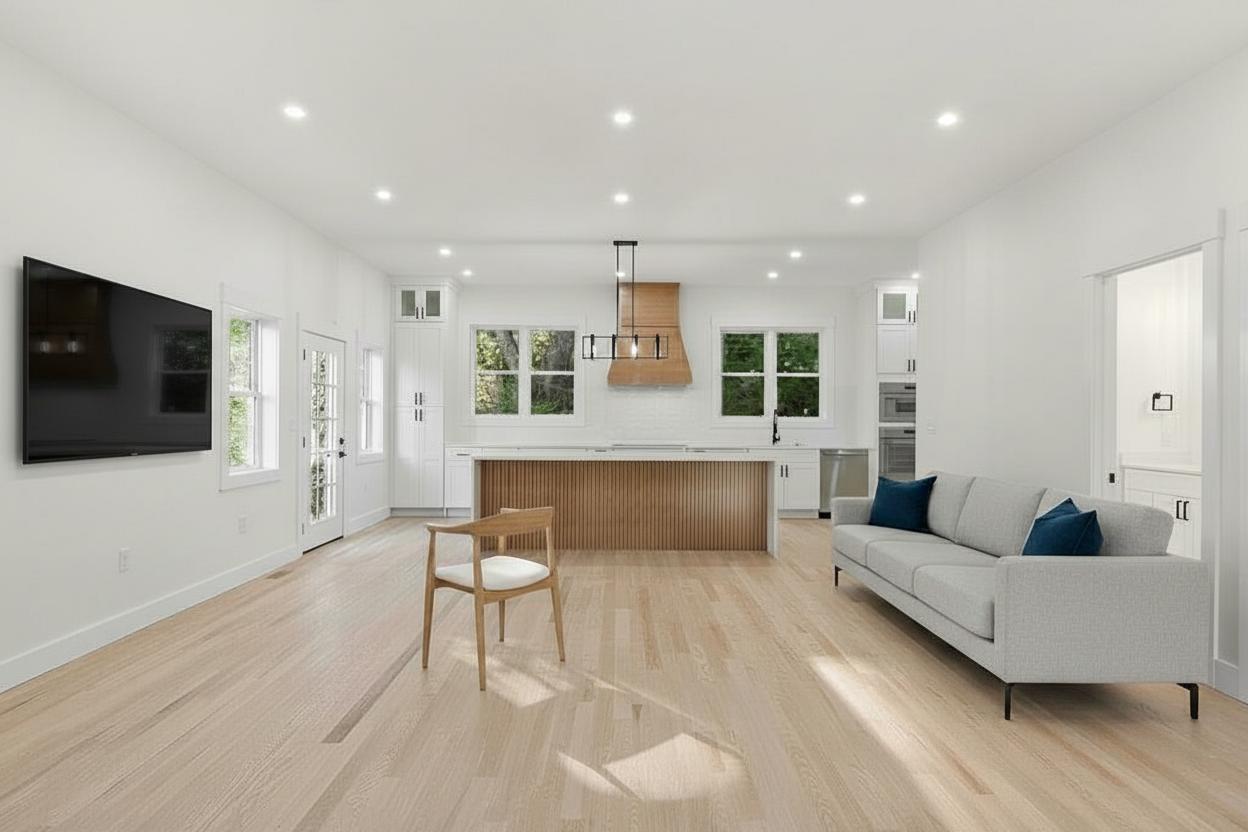
Start with the photos that control buyer attention
The fastest staging workflows begin before upload. Pick the rooms that will shape the first showing decision: living room, primary bedroom, kitchen-adjacent seating, and any flexible space that needs a clear purpose.
- Use the highest-resolution image available from the shoot.
- Keep lights, windows, and floor area visible where possible.
- Group similar rooms before review so the final style direction stays consistent.
- Confirm room type before generation to avoid avoidable rework.
Keep review close to the listing launch
Treat staged images as part of listing production, not a separate design project. Review for realism, style fit, and room purpose first, then move approved images into the listing packet while momentum is high.